
✢B2B Onboarding
Self-serve wholesale applications with an approval gate
A configurable B2B registration form for your storefront, customer accounts and POS, with an approval step that creates the Shopify company, location and main contact automatically.
✢The gap
Every company, location and contact in native Shopify B2B is created by hand in admin. There is no self-serve path, so every wholesale application becomes manual data entry before the buyer can place a first order.
✢What it does
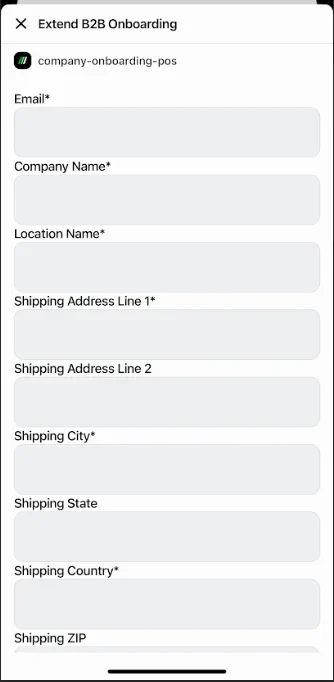
- One registration form, placed on the storefront, in customer accounts, or at the counter through a POS tile
- Add your own fields using Shopify company metafields; reorder and resize them in the form builder
- Every application waits in an approval queue — approve or reject
- On approval, the Shopify company and location are created and the applicant becomes its main contact
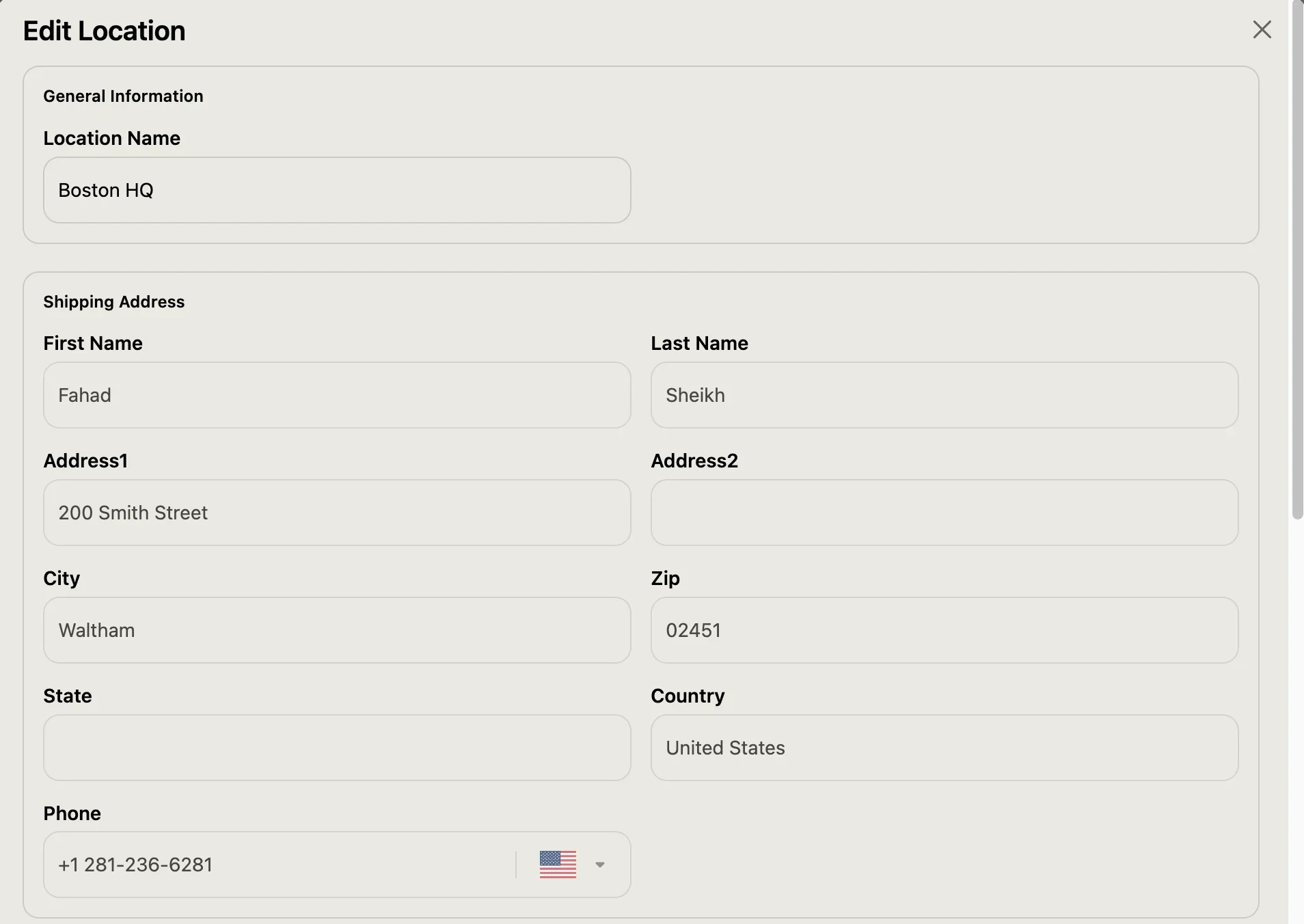
- Approved companies add and manage their own sub-locations
✢Screenshots
✢How it works
- 01Applicant
- 02Form
- 03Approvals list
- 04Approve
- 05Company
Where buyers apply
- Storefront: a Company Onboarding block on any page of the theme
- Customer accounts: an “Apply for Company Registration” page for logged-in customers
- POS: staff fill the form in on the buyer’s behalf
Approval
- Applications from all three channels land in one Company Approvals list
- Approve to create the company, its location and the main contact; reject to keep a record without creating anything
✢Best for
- Brands launching a formal wholesale programme for the first time
- Merchants currently approving wholesale accounts over email or phone
- Any merchant whose team creates B2B company records by hand in Shopify admin
✢Requirements
- Shopify B2B
✢Price
7-day free trial
$29/month
$299/year
✢Ready to see it?
Get B2B Onboarding running on your store.
Try Quick Order and the configurator in our demo store →
7-day free trial on the Shopify App Store
✢Works well with
- B2B Credit Limits — Give each newly approved company a credit ceiling.
- POS for B2B — A buyer registered at the counter can then order there.