
✢Shared Carts
Company carts with roles, approvals and shopping lists
Company-level saved carts for B2B: buyers build and edit carts according to their role, submit them for approval, and check out once authorised — with shopping lists for repeat orders.
✢Watch it work
 Extend B2B Shared Carts Demo2:45
✢The gap
Shopify carts belong to one customer, and there is no approval step before checkout. When several people at a company order together, they coordinate in email and one person retypes the whole thing.
✢What it does
- Carts saved at company level, and per location, inside Shopify customer accounts
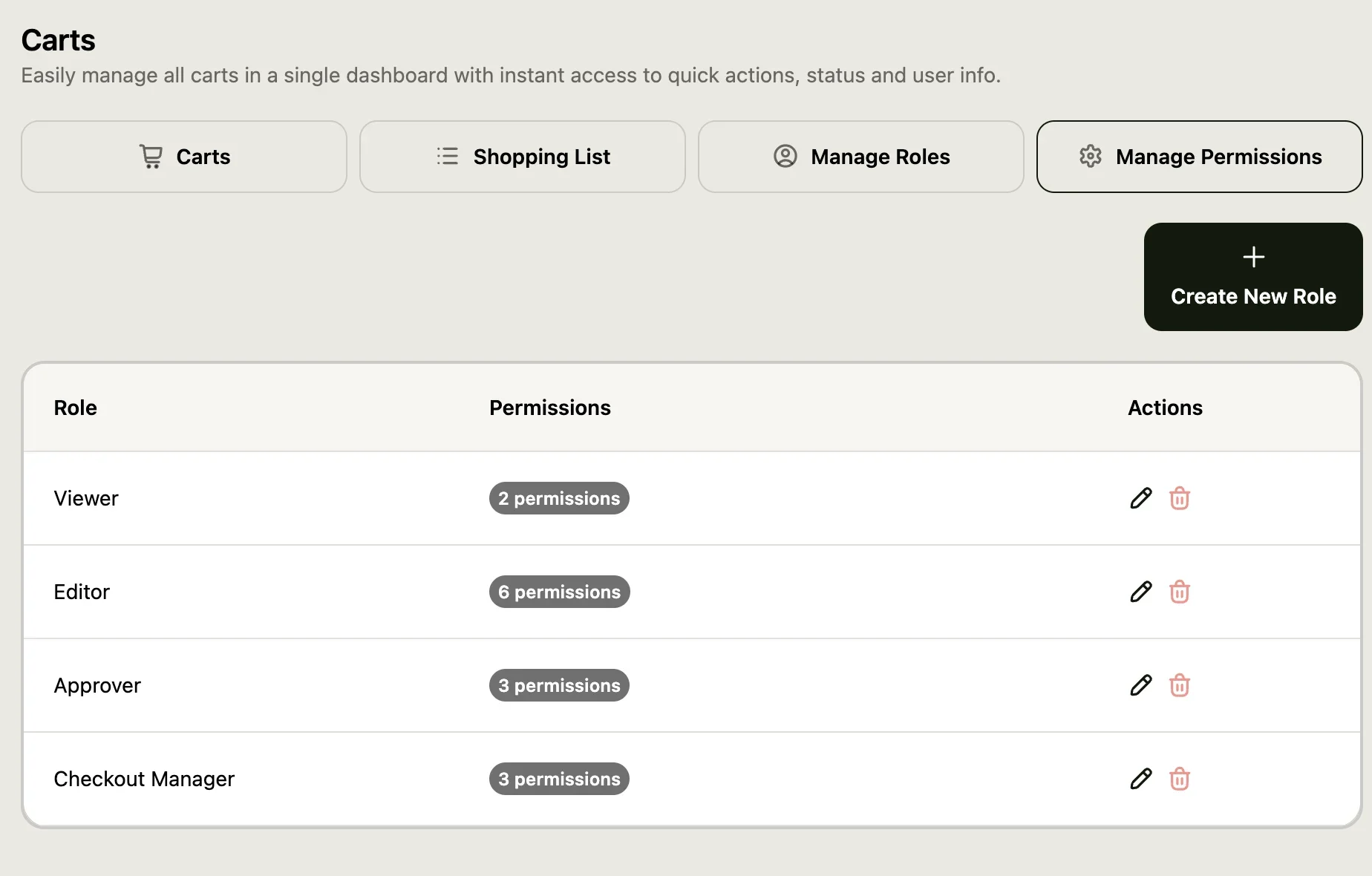
- Roles such as Viewer, Editor, Checkout Manager and Approver decide who can see, edit, approve or check out each cart
- Submit a cart for internal approval before it becomes an order
- Save a cart as a reusable shopping list for repeat orders
- Sales reps can view and edit any company cart, convert it to a draft order, or act as the customer to resolve an issue
✢Screenshots
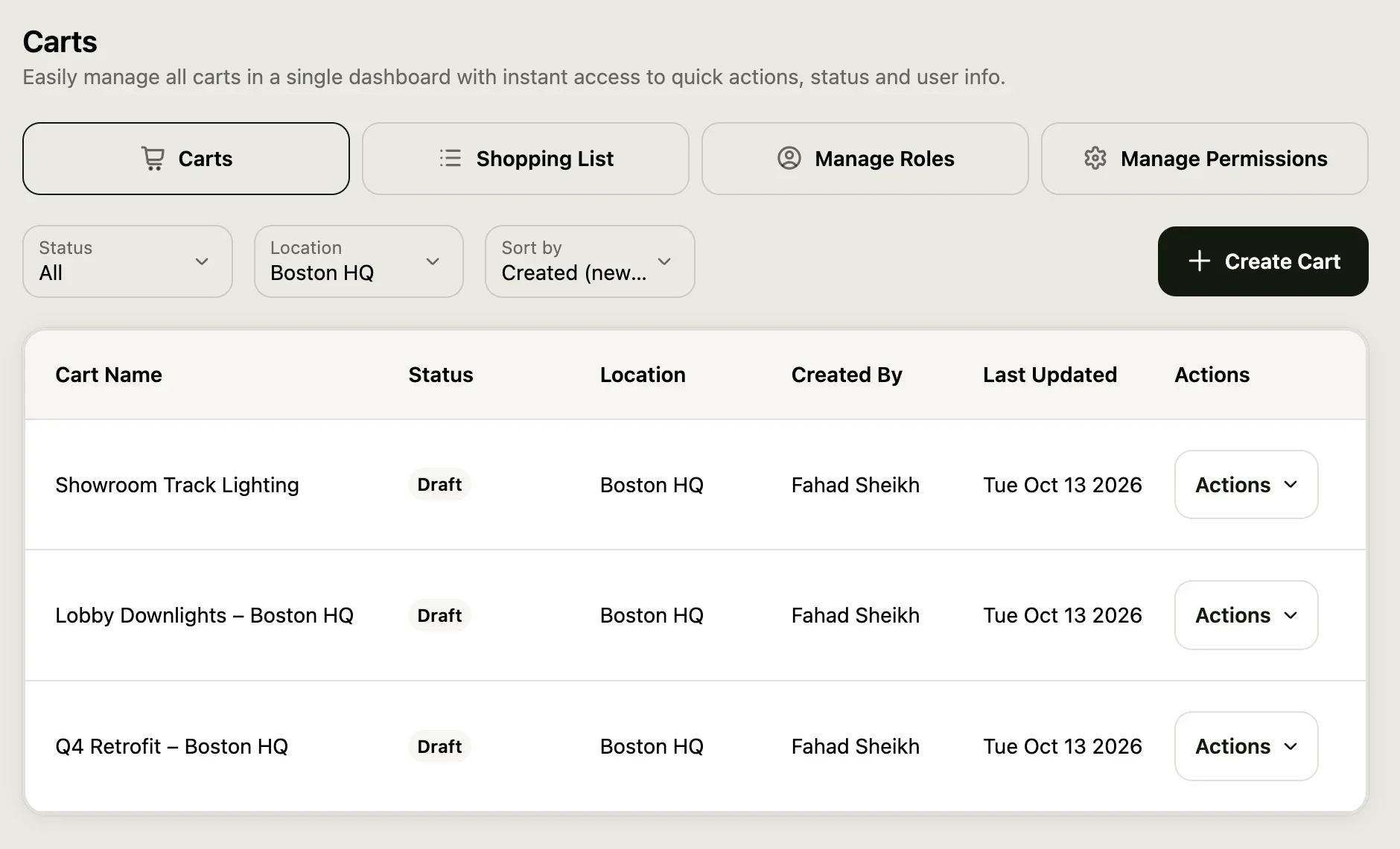
✢How it works
- 01Buyer
- 02Saved cart
- 03Roles
- 04Approver
- 05Checkout
Saving and sharing
- Save the current cart as a new cart, or merge it into an existing one
- The company’s main contact assigns roles; roles can be edited
Permissions
- Create own cart; view own or all carts; edit own or all carts
- Approve or reject a cart; check out a cart; delete a cart
✢Best for
- Multi-location accounts where several buyers or regional managers contribute to one order
- Enterprise accounts with a central purchasing process and a sign-off step
- Merchants who receive duplicate or fragmented orders from the same company
✢Price
7-day free trial
$29/month
$299/year
✢Ready to see it?
Get Shared Carts running on your store.
Try Quick Order and the configurator in our demo store →
7-day free trial on the Shopify App Store
✢Works well with
- B2B Credit Limits — The approved cart is still held to the account’s credit limit.
- Quick Order — Fill a shared cart in bulk from a table or CSV.